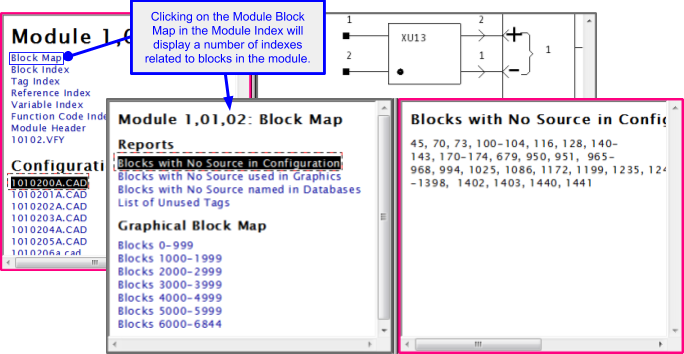
The Module Block Map for a particular module can be accessed by clicking on Block Map in the appropriate Module Index. The Module Block Map for a module contains links to a number of other block related lists and reports for that module which may include the following:
- Module: Blocks with No Source in Configuration
- Module: Blocks with No Source used in Graphics
- Module: Blocks with No Source Named in Databases
- Module: List of Unused Tags
In addition, there are links to graphical block map pages for various block ranges. These provide a useful graphical overview of block usage within a module.
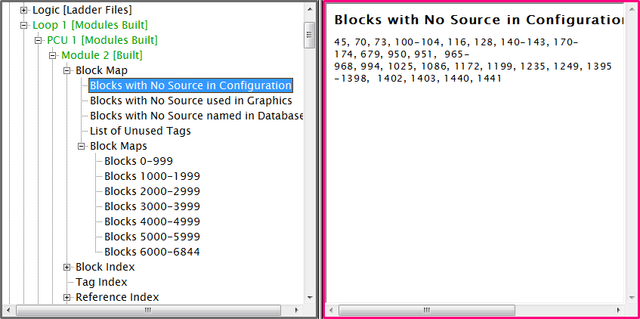
This same selection in Treeview format would look like this:
See Also
- Module Block Index (all blocks used within a module)
- Module Header
- Module Reference Index
- Module Variable Index
- Module Verify File
- Graphical Block Map
- Module: Blocks with No Source in Configuration
- Module: Blocks with No Source used in Graphics
- Module: Blocks with No Source Named in Databases
- Module: List of Unused Tags
- Module Tag Index
- Reference Index
- Module:List of Unconfigured Tags
- Module:List of Unused Alarm Tags
- Module Index